
Migrating to a new customer relationship management system is not the same as uploading a contacts spreadsheet. Sales records often depend on relationships between companies, people, opportunities, activities, notes, attachments, tasks, custom fields, and consent preferences. A technically successful import can still create operational damage if record owners disappear or historical dates become misleading. This guide presents a controlled migration approach for U.S. businesses, including data mapping, sample testing, reconciliation, cutover, and rollback. It is designed to preserve business meaning, not merely to reach a pleasing import-success percentage.
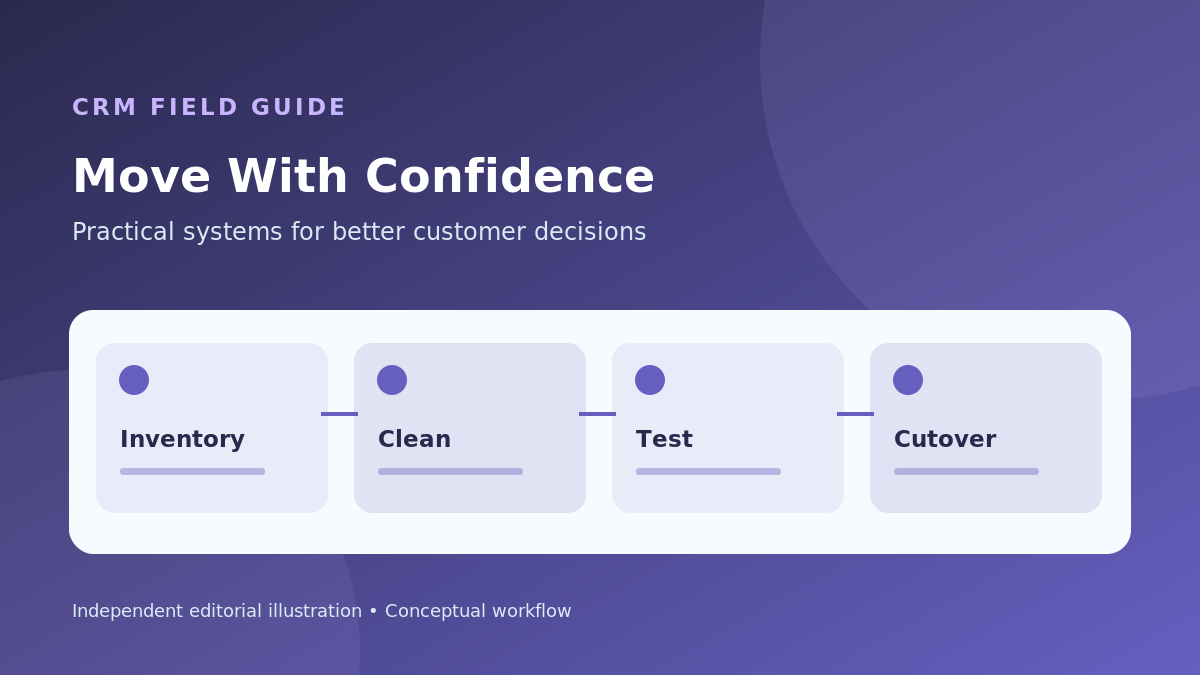
Start with an inventory of the source systems
List every place where customer information lives: existing CRM, spreadsheets, marketing tools, help desk, calendar, file storage, quoting platform, and finance application. Identify each dataset’s owner, format, volume, update frequency, retention requirements, and whether it includes personal or regulated information. Determine which application is the system of record for each type of data. If two systems disagree about an account address, decide which wins before building automated synchronization.
Do not assume all historic information belongs in the new CRM. Define a migration scope: active contacts, open opportunities, relevant notes, recent activities, customer relationships, and archival information that is legally or operationally required. Separate material that should remain in a secured archive. Minimization reduces risk and cost, provided the retention decision is documented and approved by the appropriate stakeholders.
Create a field-mapping workbook
For each source field, record the target object, target field, data type, allowed values, transformation rule, source owner, and validation method. An example mapping might convert legacy “Prospect Status” values into a controlled lead-stage picklist; another might split a full name into separate fields only when parsing is reliable. Preserve source IDs in dedicated external-ID fields so record relationships and troubleshooting remain possible.
Pay special attention to currencies, time zones, country codes, date formats, boolean values, and free-text fields with confidential information. A timestamp migrated as a date can change reporting; a mistaken currency default can alter opportunity values substantially. Document null-handling and required-field exceptions instead of filling unknown values with guesses. Changes in field meaning should receive explicit business approval.
Clean duplicates without erasing real relationships
Define record-matching rules separately for people and organizations. Email addresses can help identify individual duplicates, but shared addresses, aliases, subsidiaries, and name changes complicate matching. Company names alone are especially unreliable. Use deterministic matches where possible and send uncertain cases to a review queue. Keep a merge log with source IDs and surviving target IDs so related activities can be reassociated.
Preserve consent preferences and suppression data with special care. A duplicate merge should never turn an opt-out into an opt-in because the surviving record has a different flag. Record where preferences came from and which channel they cover. When data quality is poor, quantify it: percentage missing ownership, invalid emails, duplicate candidates, or unmapped stage values. Treat cleanup as a defined workstream, not something the import utility will magically resolve.
Rebuild relationships in the right sequence
A typical import sequence creates foundational reference data first, then accounts or companies, then contacts, and afterward opportunities, activities, notes, attachments, and tasks. Specific sequencing depends on the target platform’s data model. The key requirement is preserving relationships using stable identifiers rather than fuzzy names. If a contact links to a company that has not yet been created, the import may silently orphan the record or reject it.
Test nested relationships, multiple contacts on one opportunity, ownership, custom lookup fields, and historically closed deals. Review whether the new system allows setting original creation and close dates. If it does not, distinguish original source timestamps from the new platform’s import timestamps to prevent misleading reports. Identify attachment size and file-type restrictions early; document whether embedded links will continue to work after a storage migration.
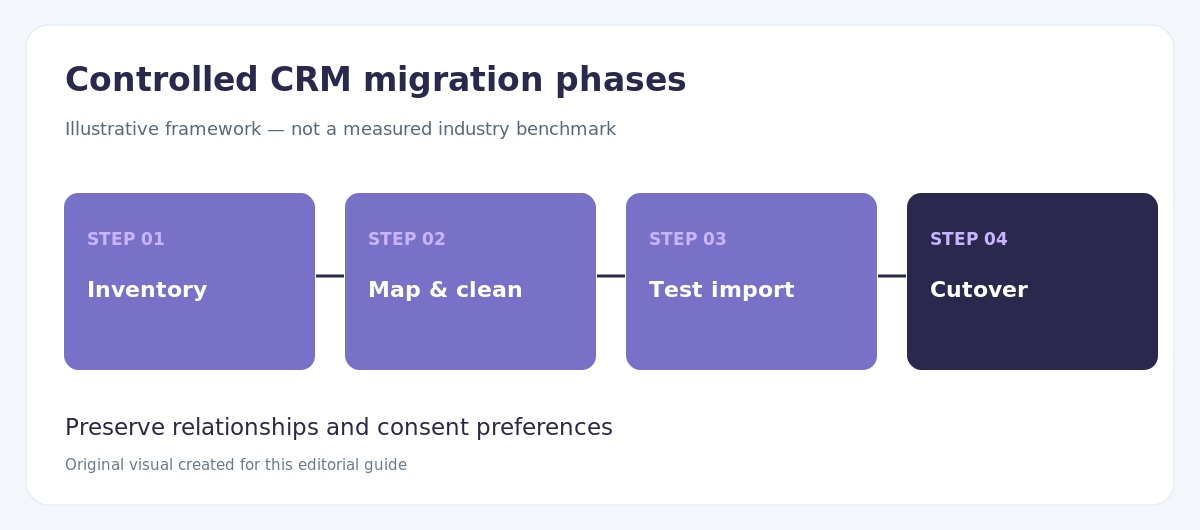
Run a representative pilot import
Choose a sample that covers normal records and difficult edge cases: an active deal with multiple stakeholders, a merged account, an opted-out contact, a closed-lost opportunity, a record with a custom field, and one with attachments. Import into a test environment when possible. Ask actual sales and service users to inspect the records. A migration engineer may see valid field values while a representative notices that the history needed for an upcoming customer conversation is missing.
Measure completeness through reconciliation. Count source records in scope, records accepted, rejected rows, duplicates merged, and records intentionally excluded. Compare a sample of relationships and totals by status or segment. Perform spot checks of sensitive fields and permissions. Preserve import logs and repeat the pilot after major mapping changes; a successful first import does not guarantee a safe final one.
Plan cutover around customer activity
Select a cutover window based on actual business operations. Announce which system is authoritative and when writes to the old platform must stop. Take a verified source export immediately before migration and store it securely. Determine whether the team needs a delta migration for records changed since the rehearsal. Record the exact time of the snapshot and who can authorize exceptions.
Create an explicit go/no-go checklist: DNS or integration settings where applicable, user access, license readiness, critical dashboards, open-opportunity accuracy, source export, backup verification, and a rollback decision-maker. Avoid a migration during a major sales deadline if staff cannot tolerate downtime. Keep the legacy system read-only for a planned period where contractual and retention terms permit; do not leave two systems writable without a well-defined synchronization strategy.
Verify business continuity after go-live
A successful launch requires more than passing importer status messages. Test that a new lead enters the right account, an existing customer appears with the correct history, a salesperson can update a deal, a manager can view accurate pipeline reports, and a service agent sees promised handoff details. Compare key report totals with the source after accounting for documented scope differences. Verify outbound automations are not accidentally re-triggered by historical imports.
Monitor duplicate counts, orphan relationships, synchronization errors, and user access during the first few weeks. Assign an owner to every issue and record severity. Some missing optional notes may be resolved in normal maintenance; incorrect ownership of active opportunities may require immediate correction. Do not decommission the old platform or destroy source exports until acceptance is signed and applicable retention obligations are satisfied.
A documented rollback is part of success
Define what would force a rollback: critical data corruption, missing required relationships, permissions exposing restricted records, failed core integrations, or an inability to serve customers. State who makes the decision and how new transactions created after cutover will be preserved. Rolling back by simply turning the old CRM back on can lose new information; capture a delta export and reconcile it deliberately.
Store the mapping workbook, import scripts, exported source files, issue log, reconciliation totals, and acceptance evidence in a restricted project folder. Encrypt sensitive backups and test recovery access. These artifacts help with compliance reviews, vendor support, and future migrations. A clean handover includes maintenance documentation so the team can manage the new system without relying on the consultant who performed the cutover.
Migration scorecard and decision worksheet
Record the target for each data object: total records in scope, accepted records, explicit exceptions, correctly linked relationships, owner assignment rate, and sample accuracy. Include separate pass/fail tests for critical account and contact relationships, open opportunity values, opt-out preferences, and restricted-field visibility. A 99% overall import rate is not sufficient if the missing 1% includes your largest active customers. Weight business criticality, not simply row count.
Ask the receiving team to sign off with real workflows: find an account, review history, schedule follow-up, produce a forecast, and export a controlled test record. Keep a list of differences that are acceptable by design, such as archived fields retained outside the CRM. A migration is complete when the company can work confidently in the new system and the remaining exceptions are visible and owned.
Decide who validates each migrated data object
Give sales managers responsibility for a sample of active opportunities, customer success for account handoff history, marketing for suppression lists, and finance for money-related reference fields. The technical migration owner coordinates transformations and import logs, but should not unilaterally decide which business value is correct. Record sign-off criteria by data object and ask reviewers to compare representative records directly in both systems. This distributes accountability to the people who depend on the resulting information.
Use stable reference keys and protect the correspondence table mapping legacy IDs to new IDs. That table is essential when a support note is attached to the wrong account or an export must be reconciled later. Limit access because identifiers and related metadata can still be sensitive. Preserve a structured exceptions file stating each skipped row, reason, proposed remediation, and owner. An error count without a recovery path is not a migration plan.
The first week after cutover
Schedule daily, short exception reviews during the early stabilization period. Ask whether new customer records are arriving correctly, dashboards match documented totals, and staff can complete essential tasks. Compare failed integration events against the source of truth and watch for old automations firing unexpectedly. Make one team responsible for coordinating fixes so employees do not invent conflicting workarounds. Move to ordinary maintenance only when critical exceptions are cleared and the business owner accepts the new workflow.
Frequently asked questions
Can we migrate CRM data with CSV files alone?
Basic contact and company data often can. Complex relationships, activities, permissions, attachments, and preserved historical timestamps may require APIs, migration tools, or a specialized process. Test the actual data model before committing to a CSV-only plan.
Should we import every historical record?
Not automatically. Agree on current business needs, contractual retention, data minimization, archival access, and compliance requirements. Move useful history and preserve necessary records securely without copying avoidable stale information into daily workflows.
How do we prevent duplicate emails after migration?
Disable or isolate customer-facing automations during bulk import, preserve suppression lists, and test events on sample records. Re-enable workflows only when ownership, timing, and consent data have passed acceptance checks.
What makes a rollback credible?
A verified pre-migration export, clear decision thresholds, a named owner, and a plan to capture new changes made after cutover. A document that simply says “restore the backup” is not sufficient operational planning.