
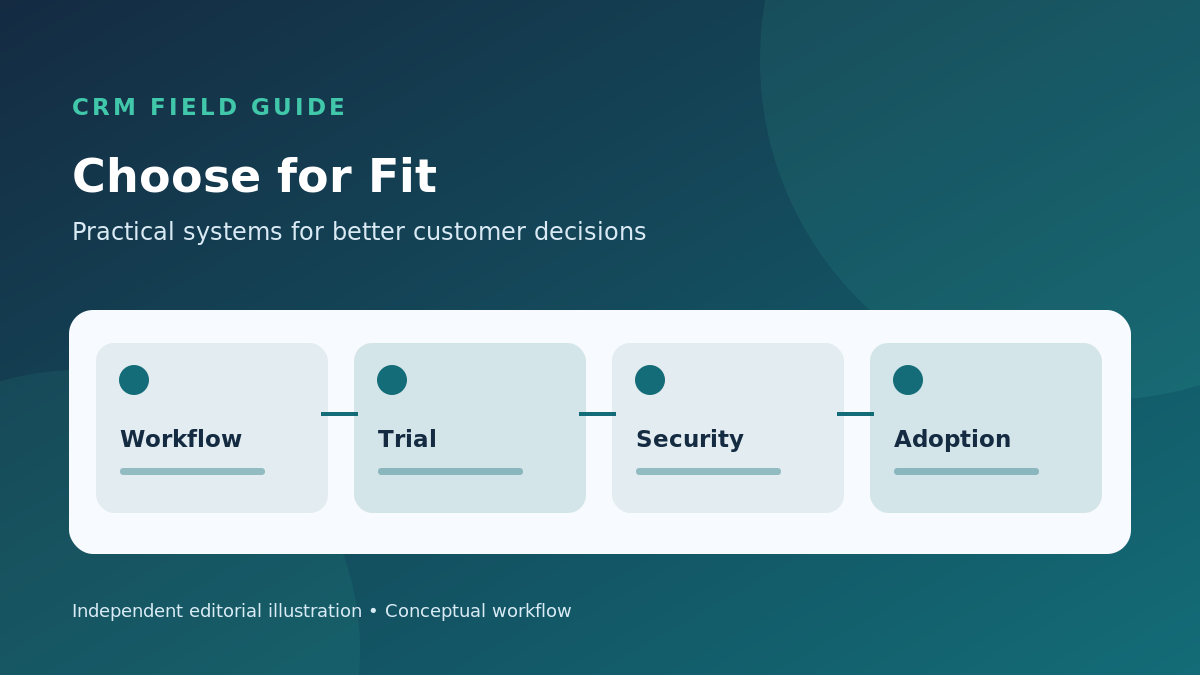
The best CRM for a small business is not automatically the product with the longest list of features. It is the system your people will use to keep customer history accurate, move qualified opportunities forward, and follow up reliably without adding administrative friction. A local service business, professional consultancy, online store, and B2B agency can have radically different workflows even with the same head count. Rather than declaring one universal winner, this guide shows how to define needs, compare contenders, conduct a controlled trial, and purchase a CRM that fits the way a U.S. small business operates.
Map the customer journey before opening a vendor website
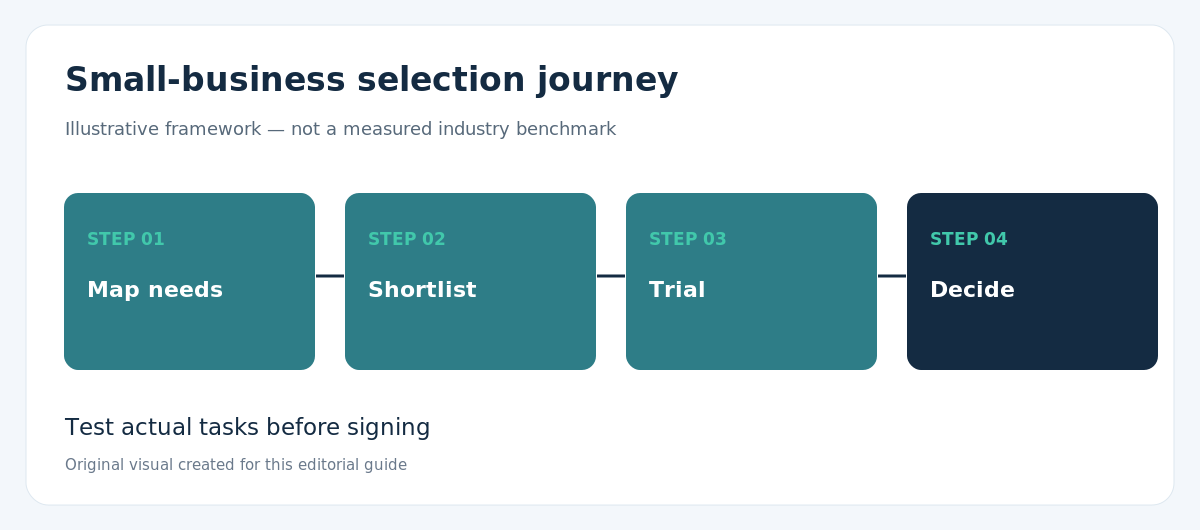
Write down what actually happens between a first inquiry and a repeat purchase. Identify where inquiries arrive—website, phone, email, referrals, walk-ins, or marketplaces—and who responds. Describe how contacts become qualified leads, how proposals and meetings are recorded, how customers receive service, and which follow-ups are easy to forget. A CRM should support those moments. It should not force an eight-stage enterprise process on a two-person team.
Draw a simple journey with six columns: source, owner, next action, information required, exit condition, and failure risk. For each stage, identify the spreadsheet, inbox, or notebook used today. Repeated manual transfers are likely automation opportunities. Confusing stage definitions indicate a process problem that buying software alone will not fix. Ask employees what they dislike recording and why; fields that nobody uses are candidates for removal rather than digitization.
Define five non-negotiable capabilities
For many small organizations, a sensible minimum consists of shared contact history, a visual opportunity pipeline, tasks and reminders, dependable email/calendar integration, and accessible reporting. Your minimum may differ: a field service company may prioritize mobile access, while a referral-driven consultancy needs relationship mapping and clear account ownership. Define the three most common daily actions, then ensure each can be completed without navigating multiple screens.
Features should be evaluated in context. “Automation” might mean only one workflow in an entry plan; “integration” might rely on a paid third-party service; “mobile support” may omit administrative tasks. Confirm whether the product offers duplicate detection, role-based permissions, field validation, export in usable formats, and historical activity retention. Treat fancy dashboard examples as less important than reliable data entry and retrieval.
Build a shortlist without relying on popularity rankings
Start with three candidates that support your industry-neutral requirements and your realistic budget. HubSpot, Salesforce, Microsoft Dynamics 365, and Zoho demonstrate how CRM products can differ in packaging, extensibility, and licensing, but a familiar brand is not a substitute for fit. Consult current official documentation and quotes instead of assuming the prices or limits in a review remain unchanged. Include a simpler product if your team genuinely needs simplicity; include a more extensible one if complex workflows are already documented.
Send vendors the same one-page requirements summary and demand demonstrations using your scenario. Do not ask “Can your platform do everything?” Ask “Can this exact subscription send a follow-up task to an assigned rep when a prospect submits our form, while preserving the source and permission to contact?” The answer should show the actual screen, any required add-on, and who maintains it. Note what takes a sales engineer or paid consultant to configure.
Trial software with actual work, not sample dashboards
A meaningful trial should last long enough for staff to repeat the process several times. Import a small, anonymized dataset; create leads from two real source types; assign ownership; create a proposal opportunity; move it across stages; schedule follow-up; change permissions; and export the records. Do not upload sensitive customer data until privacy and contractual questions are resolved. Give two sales users and a manager the same task list, then observe rather than instructing every click.
Measure task completion, confusing screens, missing information, and workarounds. Count whether staff create follow-up tasks without prompting. Test on the devices they actually use, including mobile connectivity. A product that demos beautifully but requires persistent training for basic activities carries adoption risk. Keep qualitative notes alongside the numeric scores; an apparently minor inconvenience repeated 40 times a day can matter more than a rarely used advanced feature.
What small-business owners should ask about pricing
Estimate first-year and third-year spending, not just a monthly rate. Count full seats, occasional viewers, implementation, contact storage, email sending, telephony, premium reporting, paid integrations, migration, and support. Ask what capabilities disappear when a trial ends. Request renewal terms, seat reallocation rules, export capabilities, and the policy for closing an account. Evaluate whether the next tier is still affordable if head count doubles.
Consider the opportunity cost of an owner acting as administrator. If you are the only person who can add fields and fix broken workflows, CRM maintenance could become a business continuity risk. Assign a trained backup administrator, document automations, and preserve a regular data export. Resist purchasing multi-year extras in anticipation of growth that has not yet occurred. Buy for current needs with a credible upgrade path.
A small-business rollout that respects limited staff time
Launch with one pipeline, required contact details, ownership, and next-action tasks. Import only actively used records after cleaning obvious duplicates. Build one report that the owner and team will review every week. Train users with a real call, quote, and follow-up, not a long tour of settings. For the first month, hold short weekly sessions to capture problems and decide whether a change genuinely improves the workflow.
Create a written rule for what must be in the CRM: every active opportunity has an owner, stage, expected next step, and next-action date. Avoid mandatory fields that can only be filled with guesses. Review data quality publicly without turning the CRM into surveillance or rewarding meaningless activity counts. Good adoption means the shared information improves service and decisions, not simply that people log in every day.
Compare two realistic examples
Imagine a four-person home services company. Leads arrive by phone and web forms, estimates must be followed up, and field employees work from mobile devices. The priorities are rapid lead routing, reminders, clear contact history, phone integration, and an inexpensive seat structure. Complex territory hierarchies and advanced revenue forecasting add little initial value. The purchasing demonstration should show a missed call becoming a follow-up, then a completed job producing a service reminder.
Now imagine a 15-person B2B consulting firm. It manages multistakeholder accounts, months-long opportunities, repeat engagements, and proposal approvals. Account relationships, document integration, defined pipeline stages, permission controls, and forecast history carry more weight. Its trial should follow multiple contacts at the same client and distinguish a prospect from an existing customer expansion. Both firms need a CRM, but their best-fit feature scores should be different.
Practical comparison scorecard
Score every contender from 1 to 5 in six categories, but weight the categories to reflect your business: workflow fit, ease of use, integrations, data portability, security, and total cost. Write down what evidence earned each score. Make a failed requirement—such as the inability to export customer data or connect a required system—disqualifying even if the interface is attractive. Ask for references from organizations with a similar team size and workflow complexity.
Before committing, document a fallback plan: where your data export lives, what records the previous system retains during cutover, who owns the CRM, and when the pilot becomes a formal purchasing decision. A small business benefits from avoiding software sprawl more than from accumulating apps with overlapping contact lists. The final decision should make customer information easier to trust, not merely easier to display.
Evaluate support and ownership before you sign
Small companies often rely on a single employee to configure systems. During the trial, create a new user, remove access, recover an accidentally changed field, export contacts, and find the official support channel. Notice whether ordinary administration requires a consultant. Ask whether support is included in your proposed tier and how urgent outages differ from general how-to questions. A clear owner and a written two-page operating guide protect the business when the person who selected the software moves on.
For employees who work outside the office, test connectivity interruptions and mobile workflows. Can a rep safely capture notes after a visit? Do tasks survive a temporary loss of connection? Does the product have a practical accessibility experience for people who use keyboard navigation or assistive technology? Real-world fit includes the environments and devices used throughout an ordinary workweek, not only an office laptop during a polished demo.
A minimum viable CRM policy for a growing team
Publish a brief policy stating what qualifies as an active opportunity, who owns the customer record, which contact fields must be accurate, when notes should be recorded, and how staff request a correction or export. Keep it short enough to teach to a new hire. Specify that staff should avoid unnecessary sensitive details in free-text fields and must respect communication preferences. A small business is more likely to sustain a simple, clear operating discipline than an elaborate manual nobody revisits.
Frequently asked questions
Do small businesses need a CRM before hiring salespeople?
A founder with repeat customers can benefit from shared contact history, follow-up reminders, and a consistent pipeline. Start when missed handoffs or scattered information cause friction, not because a software vendor says every company needs an enterprise system.
What is the most important integration?
It is the one that eliminates your biggest recurring transfer of information. Email/calendar may lead for a consulting firm; quoting or service scheduling may matter more to a contractor. Prove the integration in the edition you will buy.
How much customization is appropriate?
Prefer a small number of fields and stages that people understand. Customizations need an owner, tests, and documentation. Reproduce your essential process first and add complexity only where there is a measurable benefit.
When should we replace a spreadsheet?
When ownership, next actions, history, or reporting cannot be maintained reliably across the team. A clean spreadsheet can be a better starting point than a poorly configured CRM, but shared workflows eventually need controlled access and consistent records.