
A CRM delivers more value when salespeople can see relevant customer information without manually copying it between applications. But integrations also create new risks: duplicated records, incorrect ownership, unauthorized data sharing, broken synchronization, and hidden subscription charges. The right architecture depends on which system owns each fact and which team needs to act on it. This guide helps a U.S. business design a manageable integration strategy for CRM, email and calendar, accounting, marketing automation, customer support, and reporting systems—with a clear distinction between convenient connections and reliable data governance.
Draw the system map before enabling connectors
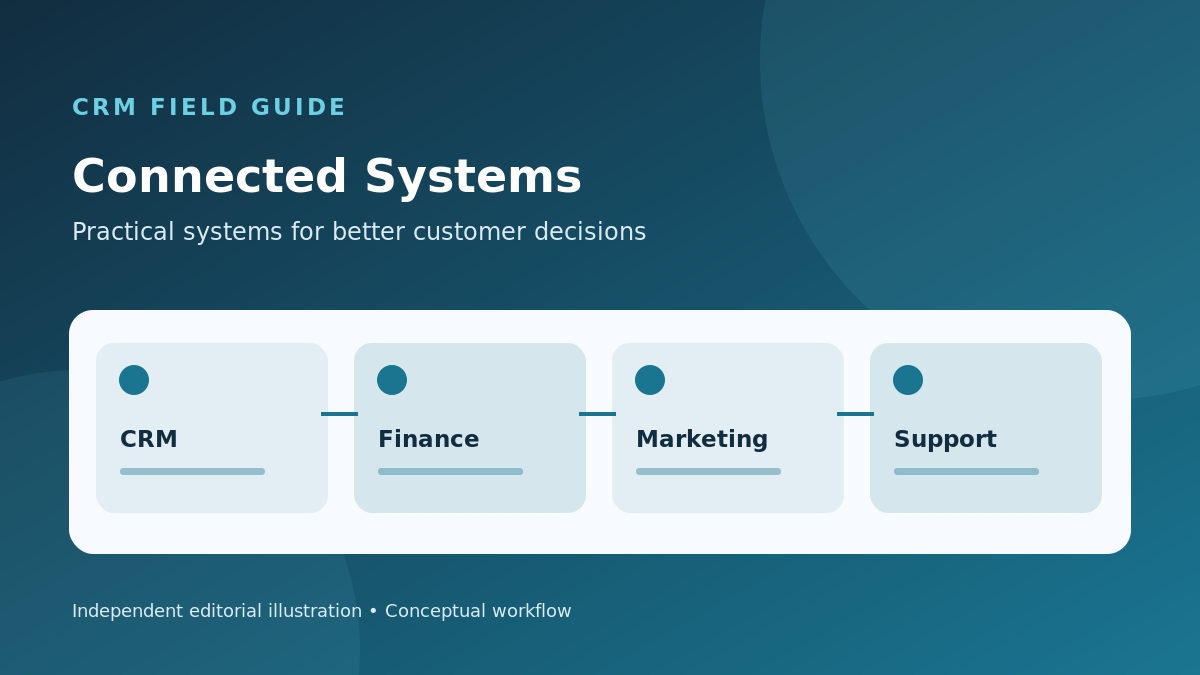
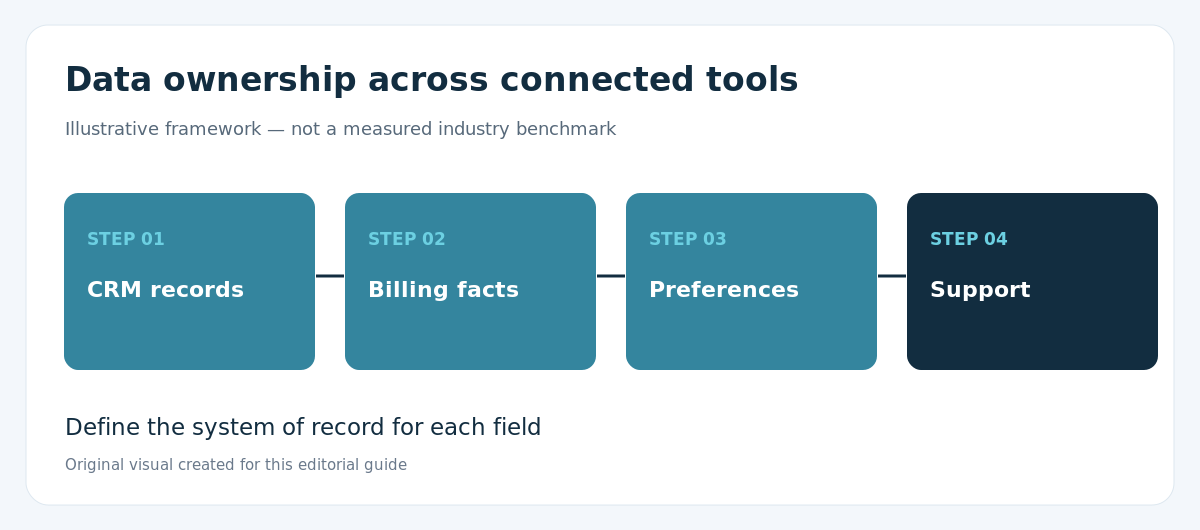
Identify each application and the business objects it creates or updates: accounts, people, leads, opportunities, invoices, subscriptions, service tickets, and communication preferences. For every object, assign a system of record. Finance may own paid invoice status while the CRM owns opportunity stage; marketing may own campaign membership while customer service owns support-case resolution. A sync should not let each system overwrite the other indiscriminately.
Create a diagram with arrows labeled one-way or two-way. Next to each arrow, record the field mapping, trigger, update frequency, error owner, and permitted data categories. A single page should explain the normal flow to an operations manager. If the integration requires undocumented assumptions about which timestamp wins or how duplicates are matched, pause before launch. Data movement is a business policy expressed through software.
Email and calendar connections need careful scope
A calendar integration can reduce missed meetings and make follow-up visible, while email logging helps teams preserve customer context. Decide whether the CRM should store email bodies, headers, attachments, or only selected interactions. Automatic logging may capture confidential internal conversations, unrelated personal messages, or attachments staff did not intend to share. Use allowlists, mailbox restrictions, role permissions, and clear employee guidance rather than assuming every interaction belongs in the company record.
Test meeting cancellation, rescheduling, time zones, recurring events, and changes in employee ownership. Ask what happens when a staff member leaves: do historical activities remain visible, and can the connection be revoked without deleting business records? Verify permissions requested by the connector, especially broad mailbox or calendar access. A convenient integration should not turn every CRM user into a reader of sensitive correspondence.
Keep accounting authoritative for money
A CRM opportunity amount may be an estimate; an invoice in accounting software represents a financial document. Do not synchronize those fields as though they are interchangeable. Define when a closed-won deal creates a draft invoice, who reviews tax and payment terms, and whether a payment status should update an account-health indicator in the CRM. Avoid allowing sales users to rewrite approved invoices from CRM fields unless the business has expressly designed that control.
Reconcile customer identities, legal entities, currencies, tax settings, and product catalog references before turning on two-way synchronization. Test a partial payment, credit memo, canceled order, and duplicate company record. Include finance in acceptance testing. If a connector’s behavior is unclear, start with read-only finance summaries inside the CRM rather than automatic document creation. This preserves visibility while reducing the risk of incorrect financial records.
Marketing automation must honor preference ownership
Marketing and CRM systems often exchange lead source, lifecycle stage, segments, campaign interactions, and contact preferences. Define which platform controls opt-outs and how the suppression decision propagates. A sales representative changing a contact status should not silently reverse a previously recorded unsubscribe. Keep purpose, channel, time, and source of permission available for review. Consider applicable U.S. commercial email guidance from the FTC, along with industry- and state-specific obligations.
Watch for identity-matching problems: a contact can use a personal email on a web form and a work email in a sales conversation. Merging should be deliberate, particularly when different permissions apply. Establish lead-source attribution rules before campaign reporting goes live. Otherwise the last system to update a record may overwrite the original source and create inaccurate conclusions about marketing performance.
Support integrations should carry commitments, not noise
A useful sales-to-service handoff includes what was purchased, promised delivery dates, key stakeholders, relevant contract details, and known implementation risks. Service teams need a dependable summary, not every internal sales note. Likewise, salespeople may benefit from an account-level view of open support issues without access to sensitive ticket content. Define the minimum fields for a handoff and access boundaries for each role.
Test what happens when a deal reopens, a subscription changes, or a customer has several active contracts. An integration that creates a new support account for every closed opportunity will fragment history. Choose stable company and contact identifiers. Consider whether the support platform should push service-health indicators back to the CRM and who can interpret them. Avoid reducing a complex customer relationship to an unexplained red-yellow-green label.
Evaluate native connectors, middleware, and custom APIs
Native integrations are often quicker to deploy, but may support only a subset of fields, fixed update intervals, or a specific paid plan. Middleware can connect additional systems and provide transformation or monitoring, but adds its own subscription, failure points, and administration. A custom API integration offers control but creates an ongoing development and security obligation. Choose based on required reliability, data sensitivity, change frequency, and available technical ownership—not novelty.
Ask concrete questions: Is synchronization event-driven or scheduled? What are the rate limits? How are retries handled? Can the system replay failed events safely? Are changes logged? Does it have a staging environment? What happens when the vendor rotates credentials or changes an API? Ensure secrets are stored securely and service accounts have only the necessary permissions. Design for graceful degradation when a dependent system is down.
Build a monitoring and reconciliation habit
Integrations are not finished at go-live. Define alerts for stalled queues, elevated error rates, expiring tokens, record rejection, and unusual volumes. Assign a business owner for data mismatches and a technical owner for service failures. Produce a small periodic reconciliation report comparing record counts and selected financial or lifecycle totals across systems. Investigate why a mismatch exists rather than automatically treating the most recent value as correct.
Record transformations and exceptions in a living runbook. For example, if a customer account is merged, document which system initiates the merge and how external identifiers are updated. Use sample records that include duplicates, missing data, non-U.S. addresses, special characters, and multiple currencies. A successful sync test on a single pristine demonstration account proves very little about production resilience.
Illustrative architecture for a growing B2B business
Imagine a CRM that owns companies, contacts, opportunity stage, and account manager; an accounting tool that owns invoices and payment status; a marketing platform that owns campaign memberships and unsubscribe events; and a service desk that owns ticket details. A web form sends valid inquiries to the CRM with a source ID. The CRM sends an approved sales handoff to service when a deal closes. Accounting sends invoice status back as read-only context. Marketing sends preference updates to a shared suppression policy that outbound systems must honor.
The model avoids moving entire databases merely because a connector can do so. It defines the exact business decisions each data flow supports. For every connection, specify latency tolerance: a sales task assignment may need near-real-time handling, while a nightly financial snapshot might be sufficient. More data moved more quickly is not automatically better data architecture.
Integration purchase checklist
Ask vendors to demonstrate field mapping, conflict resolution, monitoring, rate-limit behavior, retries, and full export. Confirm whether the quoted edition includes the required endpoints and whether partner connector fees apply. Request data-processing documentation, hosting geography where relevant, permissions, credential rotation support, and a way to disable the connection without breaking the CRM. Ensure the agreement allocates responsibility when two vendors point at each other during an incident.
Before enabling production sync, require a signed mapping, tested acceptance cases, rollback plan, and named owner. Document what success looks like in business terms: fewer duplicate company records, timely service handoffs, reliable invoice context, or less manual reentry. Review actual error logs after launch and retire data flows that no longer support a meaningful process.
Specify synchronization conflicts before choosing software
Imagine sales updates a company address while accounting retains a legally registered billing address. A naive two-way sync can overwrite the correct value repeatedly. The answer may be to maintain two separate fields with separate owners, not to nominate the newest timestamp as truth. Similar conflicts arise with customer names, phone numbers, territories, billing status, and unsubscribe flags. Describe them before implementation and turn each conflict policy into a test case.
Plan for deletes and merges as carefully as creates and updates. Does a deleted contact disappear downstream, become inactive, or remain in a retention-controlled archive? How does a merge propagate external IDs so it does not recreate the old duplicate on the next sync? If a client withdraws marketing permission, every outbound platform must respect it regardless of which system last edited the contact. Ownership and legal obligations should drive these choices.
Estimate the lifecycle cost of an integration
Budget initial mapping and testing, license or connector fees, credential maintenance, monitoring, API changes, and support ownership. A $20 connector that fails silently can be more expensive than a monitored solution with an explicit service commitment. Ask who responds when a record is missing at 8 a.m., how the error is reproduced, and whether the vendor provides usable logs. An integration is successful when business teams trust the synchronized information during routine work and exceptions are recoverable.
Frequently asked questions
Should every integration be two-way?
No. One-way data flow is often safer when ownership is clear. Two-way sync requires explicit conflict rules, stable identifiers, and careful handling of deletions and consent preferences.
Is a native CRM integration always preferable?
It may be simpler, but verify its actual field coverage, refresh rate, license requirements, and failure visibility. An alternative can be justified when native functionality cannot support your process reliably.
How do we deal with integration outages?
Keep a monitored queue, bounded retries, an error owner, and a safe replay mechanism. Document which customer operations can proceed manually and which must pause to avoid corrupted records.
How do we protect sensitive information?
Minimize shared fields, restrict service accounts, control access to logs, manage credentials, and review vendor data-processing arrangements. Not every person who can access an application should automatically see the full customer record.