
CRM automation is useful when it removes a recurring handoff, reduces avoidable errors, or helps staff deliver a timely response. It becomes a liability when poorly designed rules send duplicate messages, move unqualified leads forward, or trigger activity that nobody can explain. For a U.S. business considering automation software, the central question is not how many workflows the platform supports. It is whether each rule has a clear trigger, a meaningful customer outcome, a responsible owner, and a way to detect failure. This guide covers workflow design, practical examples, implementation controls, and realistic return-on-investment measurement.
Identify tasks suitable for automation
Start with repetitive, rules-based work where the required data is reliable. Common candidates include assigning an inbound inquiry to the correct owner, creating a follow-up task after a meeting, alerting a manager when an opportunity is overdue, and notifying service teams when a deal closes. Document the current process: how often the task happens, who performs it, average time, typical error, and the consequences of delay. If nobody can articulate the process before automation, a workflow builder will only make the confusion run faster.
Reserve human judgment for sensitive situations, ambiguous qualifications, negotiated commercial commitments, complaints, and messages whose tone or legal implications require contextual review. A system can recommend a follow-up draft, but a representative should verify its claims, recipient, and timing. Automation should support accountable people; it should not invent authority or replace consent decisions with assumptions.
Design a trigger-condition-action workflow
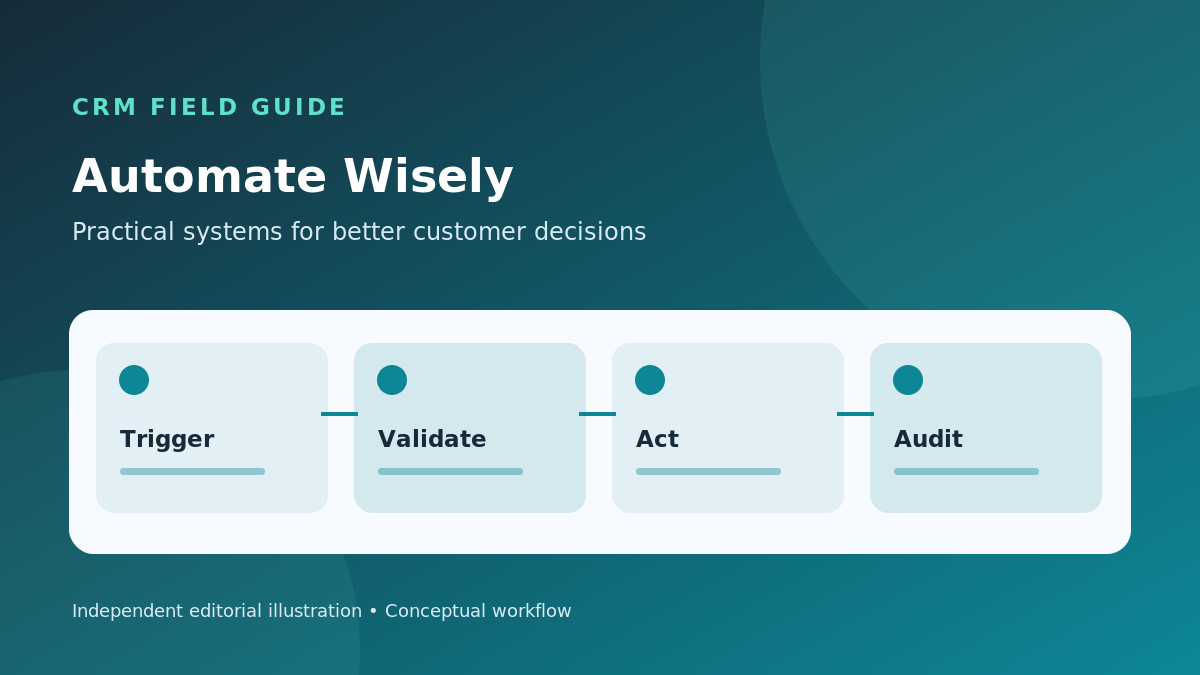
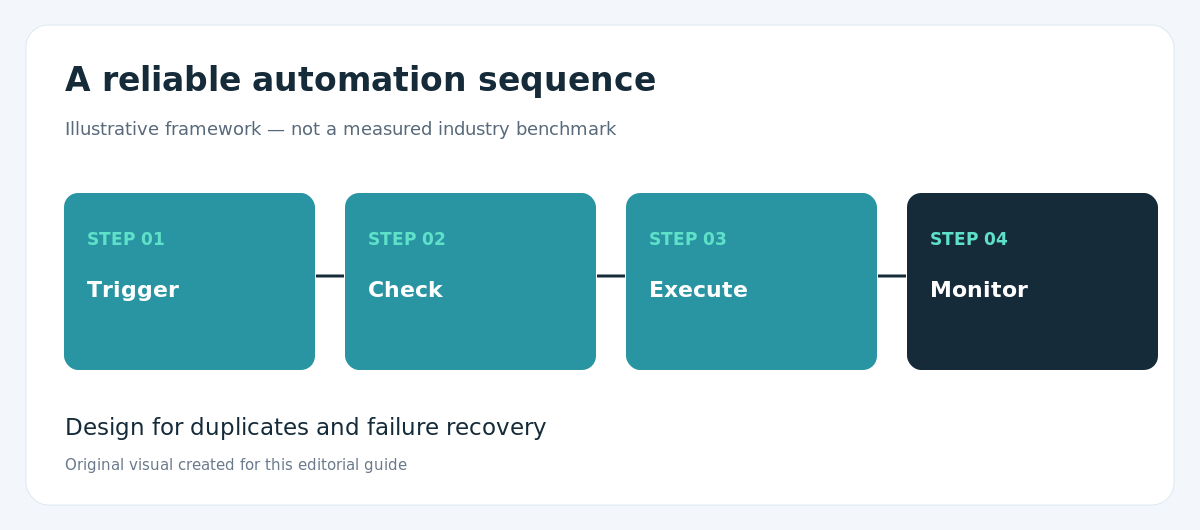
Every workflow needs three parts: a trustworthy trigger, explicit conditions, and actions that can be verified. A lead-routing example might trigger when a website form creates a record, check that contact information is valid and a country field is present, and then assign the lead based on territory and create a task due within the team’s stated response target. Include a fallback owner for missing territory values. Add safeguards so editing the same record does not repeat the initial assignment or send duplicate notifications.
Write the workflow in plain English first. Identify what should happen if the API is unavailable, a required field is blank, the contact already exists, or the owner is out of office. Add deduplication rules and a timestamped activity trail. Choose between immediate triggers and scheduled batches according to customer needs; a daily digest may be more useful for low-priority housekeeping than twenty instant alerts.
Five high-value use cases to pilot
First, automate lead acknowledgment while keeping promises conservative: confirm receipt and explain the expected response without claiming a person has reviewed the inquiry. Second, create next-step tasks from recorded outcomes, ensuring the assigned employee can adjust the due date. Third, remind an opportunity owner when a buyer-agreed milestone is approaching, rather than chasing every record indiscriminately. Fourth, prepare a handoff package when a deal changes to won, including scope, commitments, and stakeholders. Fifth, flag account records with missing consent evidence or conflicting ownership for human review.
These examples should be piloted individually, not released simultaneously. The results should be assessed against a baseline. An acknowledgment sent in seconds is useful only if the subsequent customer response process works. A handoff that creates another incomplete ticket is not a successful automation. Track downstream outcomes and staff feedback, not just the workflow platform’s count of successful executions.
Measure gains conservatively
Calculate time saved by sampling the actual workflow before and after implementation. Suppose employees manually create 300 follow-up tasks per month and the old process takes an average of three minutes. If automation reduces the human review to one minute per task, it releases 600 minutes or ten hours monthly. At an assumed loaded labor cost of $40 hourly, that represents $400 of potential monthly capacity. It is not automatically $400 in cash savings unless staffing or paid overtime genuinely changes.
Subtract ongoing administration, add-on fees, troubleshooting, and occasional errors from the benefit estimate. Include quality indicators: missed assignments, duplicate messages, incomplete customer records, and time to first meaningful response. Test whether gains persist after an initial launch period. If a workflow creates costly mistakes at a low rate, the error impact may outweigh time savings. Treat revenue uplift as a separate hypothesis requiring suitable comparison periods and attention to other business changes.
Data quality and consent come before messaging automation
Automated communication depends on correct addresses, lawful messaging practices, accurate segmentation, and a valid reason to contact people. Do not treat the mere presence of a contact in a CRM as marketing consent. Establish the collection source, purpose, permitted channel, opt-out handling, and retention rules. U.S. teams should evaluate applicable requirements, including the FTC’s CAN-SPAM guidance for commercial email, and obtain legal guidance where needed for calling or text-messaging rules.
Separate operational messages, sales outreach, and marketing campaigns in the workflow design. Maintain suppression lists and ensure opt-outs synchronize with the sending platform. A reimported contact should not reactivate a withdrawn preference. Customer-facing templates need review by the accountable business team, with personalization limited to fields that are present and trustworthy. Sending the wrong company name at scale is not a productivity achievement.
Common failure modes and ways to prevent them
Circular workflows occur when rule A updates a field that triggers rule B, which in turn retriggers rule A. Other failures include duplicate webhooks, time-zone errors, changing record ownership after a lead has been contacted, and automation that overrides a manual exception. Design idempotent actions: running the same event twice should not create two deals or two customer emails. Track event identifiers where supported and include a condition that checks whether the target action already exists.
Use a sandbox or test account before production changes. Test the happy path and at least five exceptions: missing data, duplicate record, restricted user, third-party outage, and repeated event. Define who gets a failure notification, the maximum retry count, and how to replay an event safely. Document dependencies on vendor plans or external connectors so the workflow can survive upgrades and staff turnover.
A manageable 30-day automation rollout
During week one, choose one workflow and capture baseline cycle time and errors. During week two, write its rule and failure handling, create a test dataset, and get approval from sales and any affected privacy or service owner. In week three, enable it for a limited cohort while preserving a manual fallback. In week four, compare observed processing time, error rate, customer response measures, and employee feedback. Only then decide whether to expand coverage or build another workflow.
Appoint a workflow owner and an alternate, keep a simple change log, and review automations quarterly. When a rule involves a financial discount, record deletion, sensitive data transfer, or mass external messaging, require a stricter approval path. Most businesses will benefit more from five transparent automations than from fifty unmanaged ones. Sustainability, not workflow count, is the useful sign of maturity.
A practical workflow specification template
For each proposed automation, fill in a small specification: business purpose; event source; fields used; validation conditions; action owner; external systems touched; permission and consent considerations; expected volume; duplicate-prevention mechanism; failure notification; retry limit; rollback action; and success metric. Name an employee who can answer what the automation is supposed to do. If the only description is a screenshot of connected boxes, the specification is incomplete.
One good acceptance test reads: “Given a valid new inquiry from an assigned territory, one lead is created or matched, a single owner is assigned, the owner receives one task, and the contact receives only an approved acknowledgment. If the territory is missing, the lead goes to an unassigned queue without customer-facing false promises.” This language is testable by both technical and nontechnical teams.
Use an automation register to control complexity
Maintain one row per live workflow listing its purpose, technical owner, business approver, affected records, external destinations, last test date, and failure alert. Include an emergency off switch and document who can use it. This register may seem excessive for the first two workflows, but it becomes invaluable when a form changes or an employee leaves. Mark abandoned test workflows as retired rather than keeping them active in production. Review all automations before migrating CRM data so historical records do not accidentally trigger old campaigns.
A useful quality test involves replaying the same event twice. If two tasks or two customer emails appear when only one should, the workflow needs an idempotency guard. Test action order as well: a message that references a newly created opportunity should not send before the opportunity is saved successfully. When downstream systems are unavailable, queue and alert rather than silently dropping a customer commitment. Build the operational safeguards into the project cost and definition of done.
When not to automate
Keep a manual approval gate for unusually large discounts, disputes, sensitive personal information, irreversible record changes, and public statements about contractual terms. Deliberately choose a human workflow when input data is inconsistent or the rule changes frequently. The aim is not maximum removal of people; it is dependable service at a cost the business can sustain.
Frequently asked questions
Which CRM process should be automated first?
Choose a frequent task with clear inputs, measurable delay or error, and limited downside if something fails. Lead routing and internal task creation are often more manageable starting points than mass communication or complicated revenue scoring.
Does CRM automation require AI?
No. Deterministic rules are often easier to test, explain, and maintain. AI can assist with summaries or suggestions, but it introduces additional quality and data-handling considerations; use it only where the benefit justifies those controls.
Should automated emails sound fully personal?
Only to the extent the available data supports an honest message. Do not imply a person reviewed details they have not seen. Accurate acknowledgment and a reliable next step matter more than manufactured intimacy.
How often should workflows be audited?
Review high-impact failures promptly and assess ownership, limits, integrations, and consent handling on a scheduled basis. Recheck after major changes to forms, fields, subscriptions, or connected software.